A Non-Deliverable Report (NDR) is typically used in logistics, courier, or e-commerce operations to document shipments that could not be successfully delivered to the customer.
Whenever a delivery attempt is failed an automated notification is sent to the customer and prob them to provide preferred delivery date.
This report is updated in real time, ensuring accurate tracking of delivery status and enabling timely follow-up actions.
Pragma Non-Deliverable Report (NDR) main dashboard.
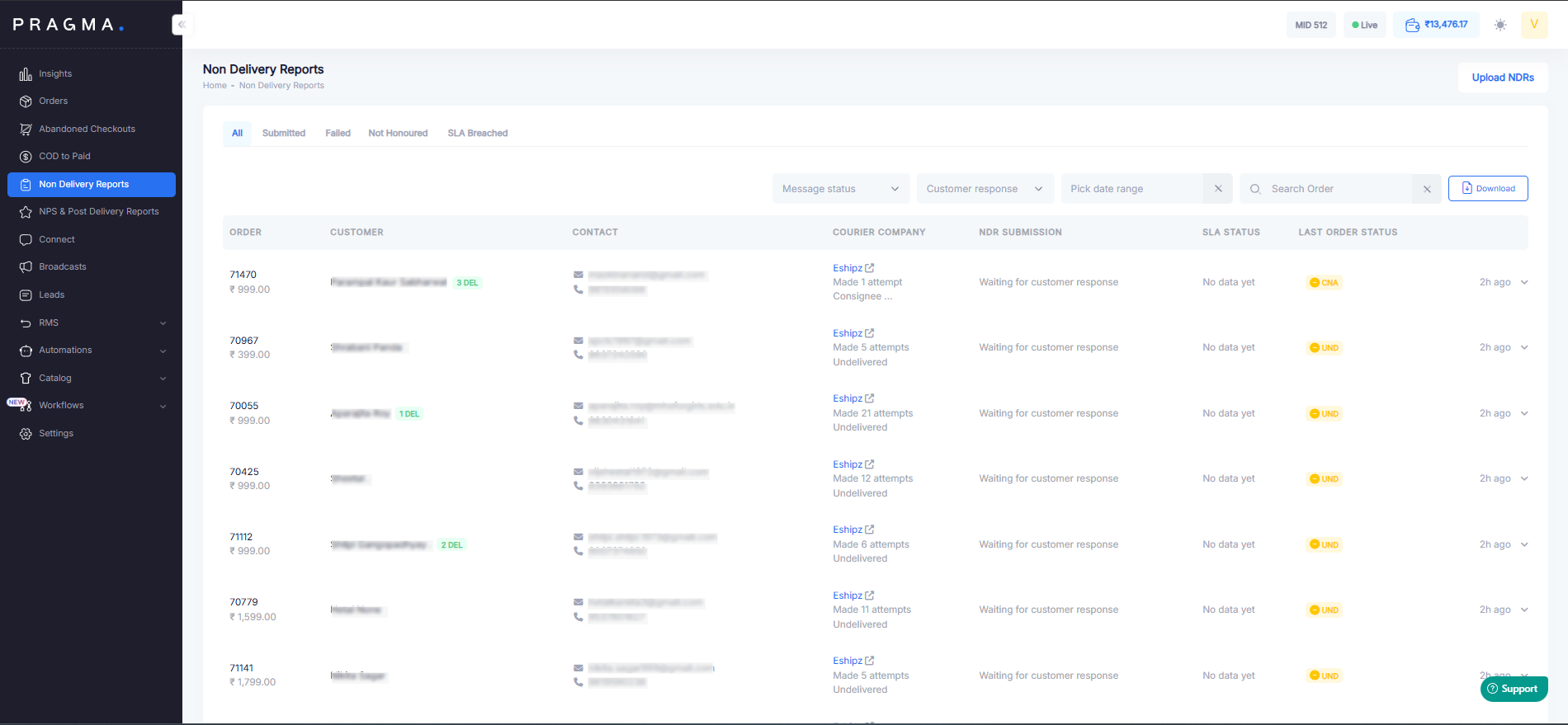
The NDR system categorize non-delivery cases into four distinct types for better tracking & resolution.
1. Submitted
This report indicates that the NDR has been successfully recorded in the system after a failed delivery attempt & notification is submitted regarding rescheduling delivery.
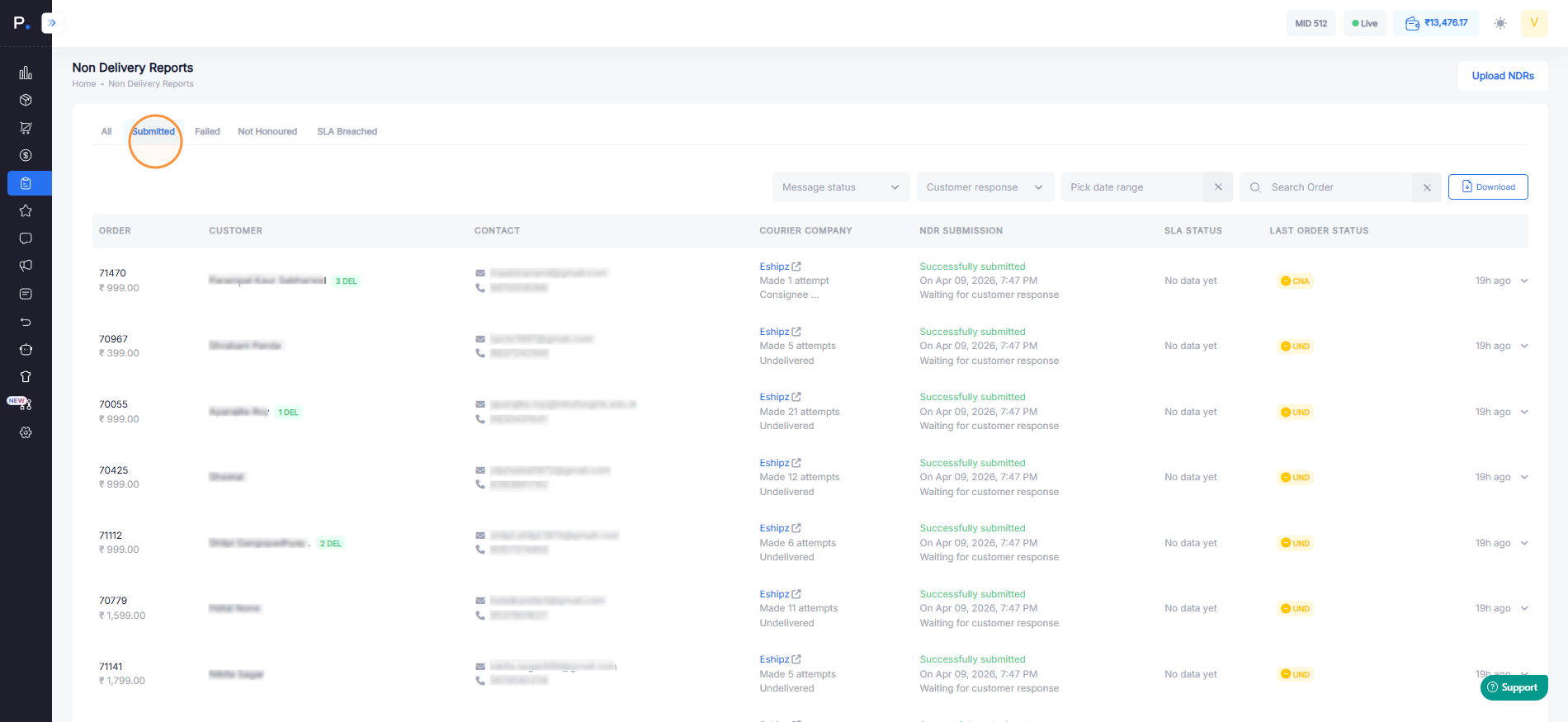
- When an NDR occurs and Pragma successfully submits a response to the courier partner, you can verify it by going to the Submitted tab and clicking on the order number or customer name (this is updated in real time).
- In this section, you can view the customer’s response, the reason provided by the customer, and the shipping company’s response.
- If the customer does not provide any response, Pragma will automatically submit a default request to the courier partner to reattempt delivery the next day.
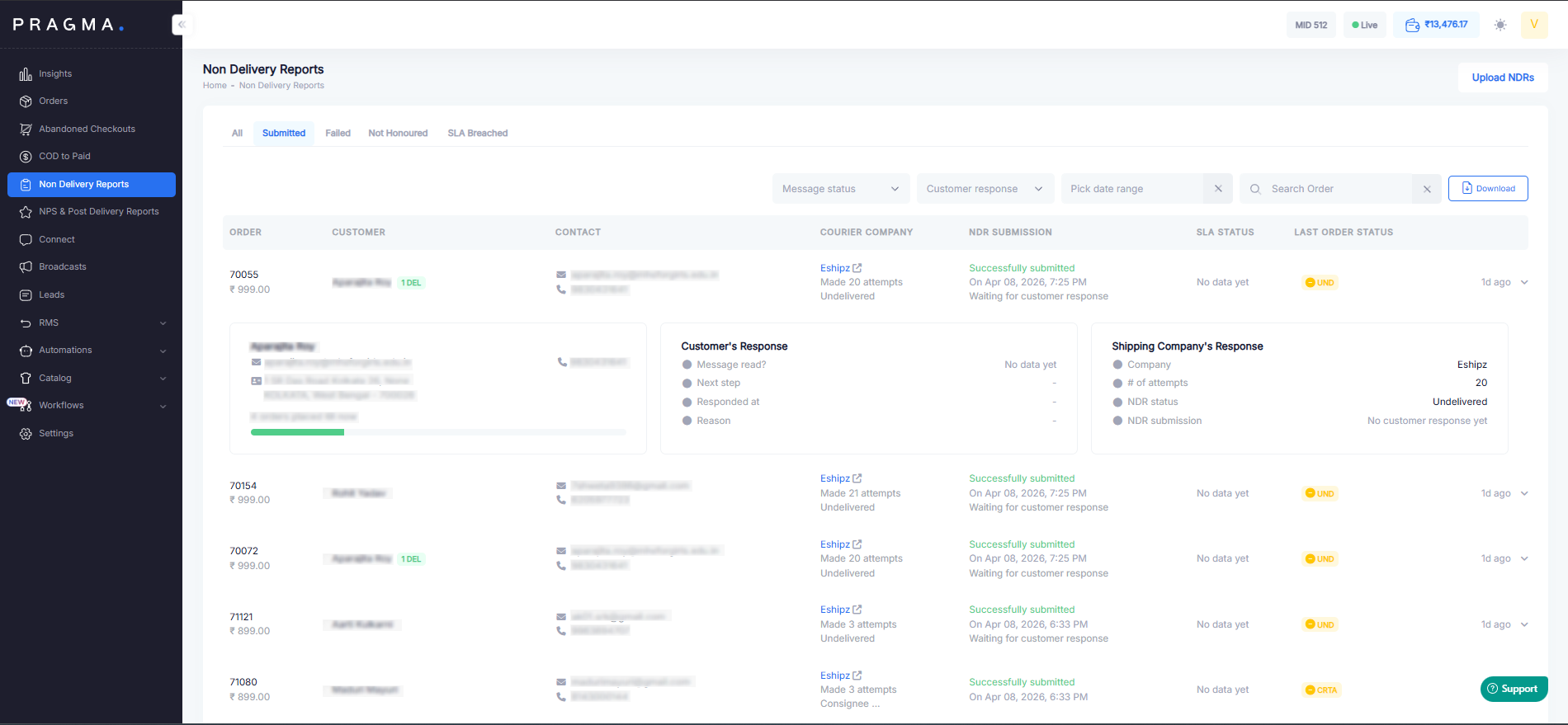
2. Failed
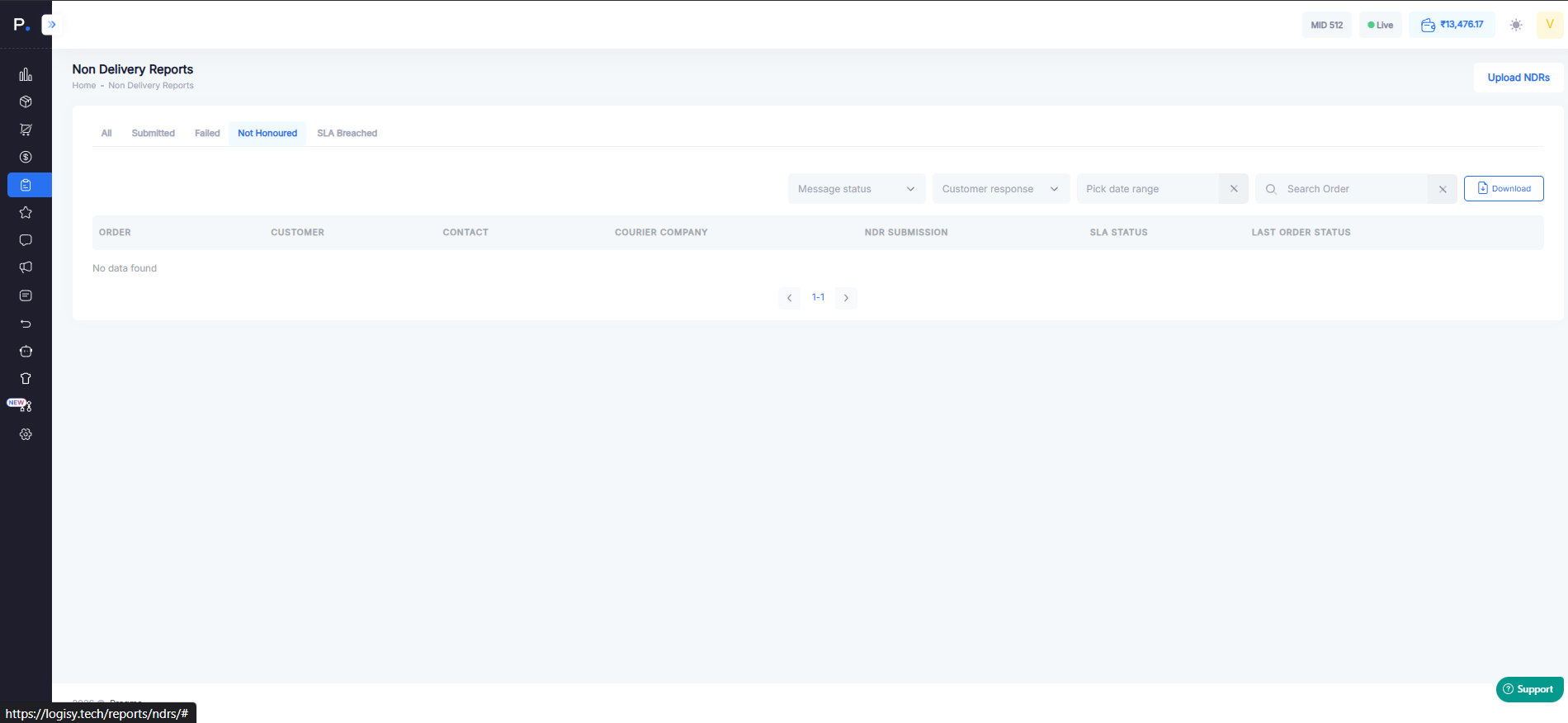
3. Not Honored
This status is used when the customer has provided a confirmation or requested a specific action (such as rescheduling delivery), but the request was not fulfilled by the delivery partner.
4. SLA Breached
This category highlights cases where the resolution or follow-up has not been completed multiple times within the defined Service Level Agreement (SLA) timeline. It indicates delays in handling the NDR & report is shared with courier partner for further action.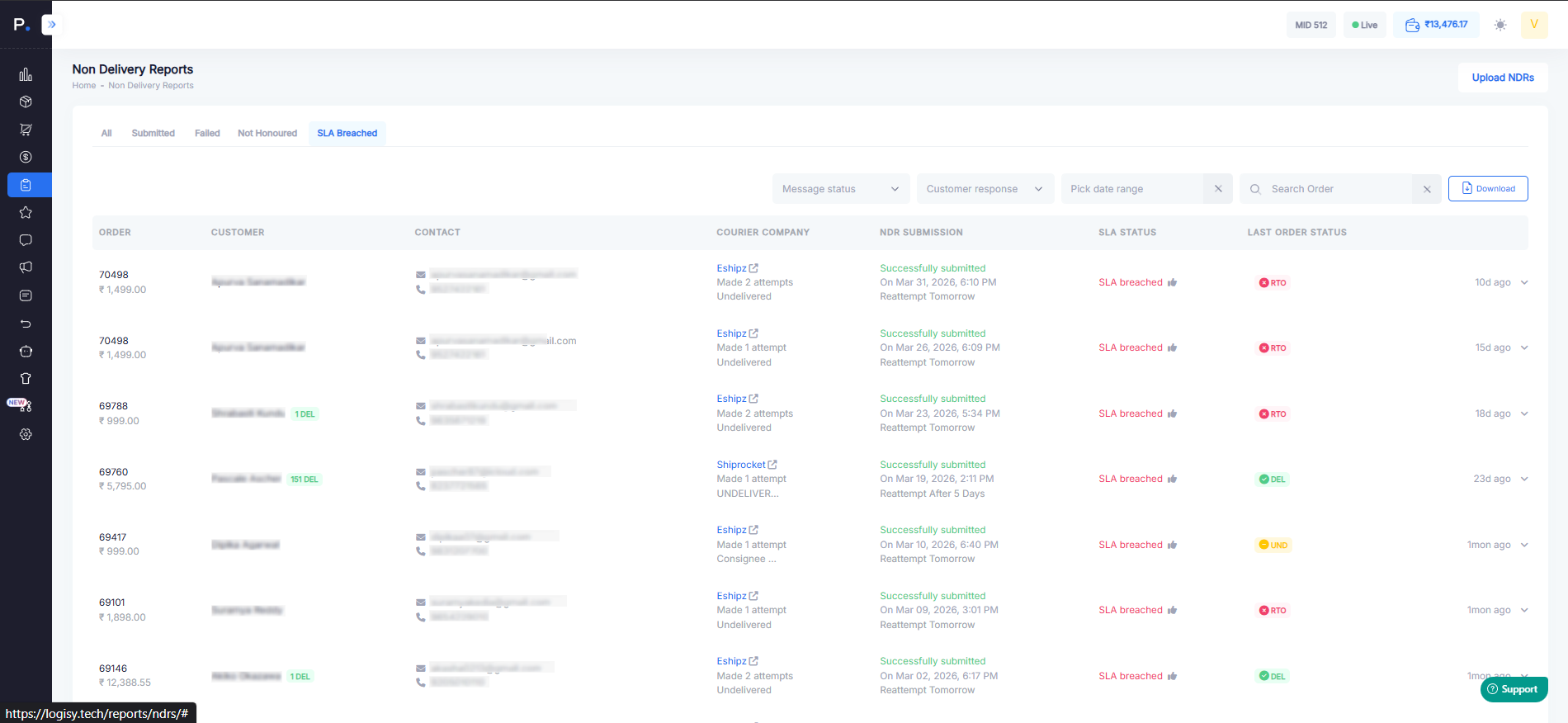
You can further filter these reports as per your requirement.
1. Message Status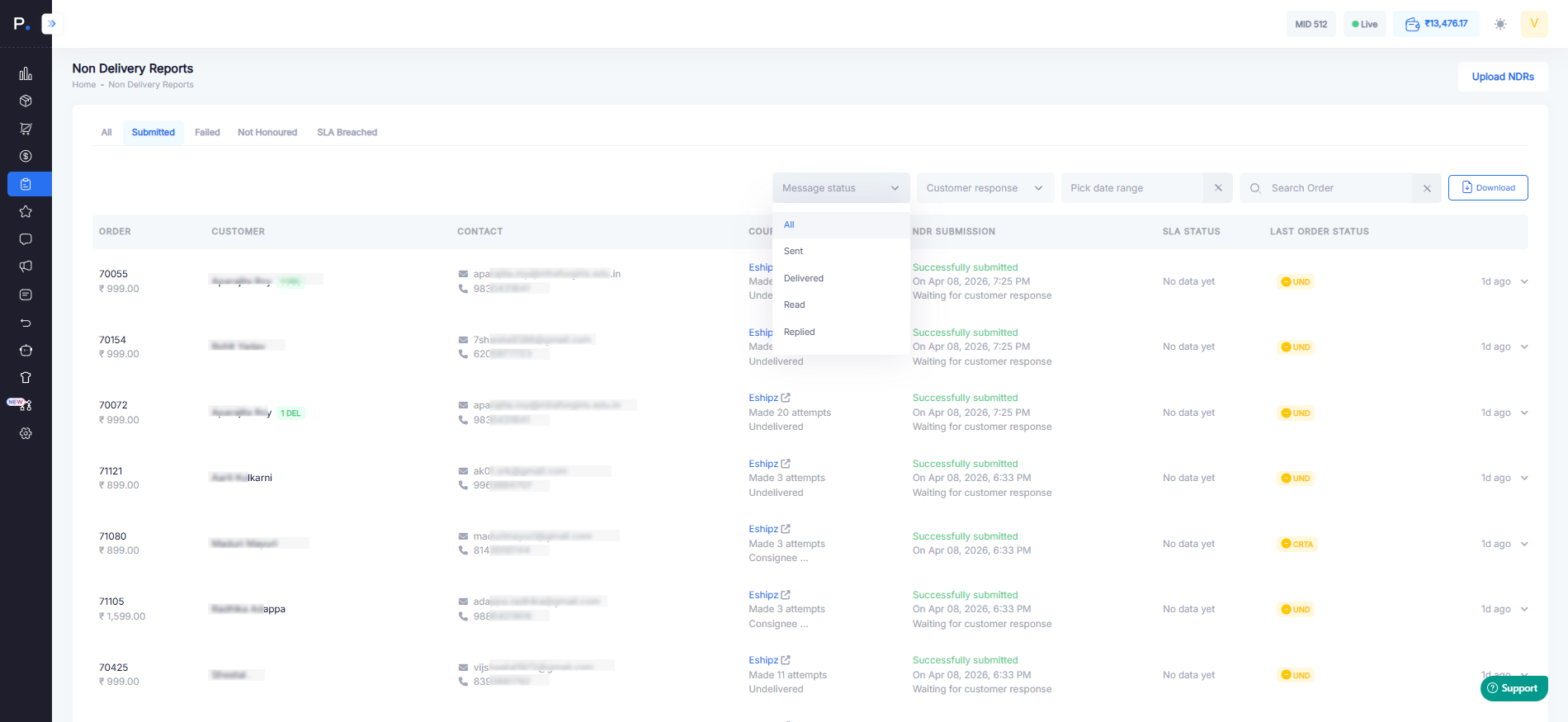
2. Customer Response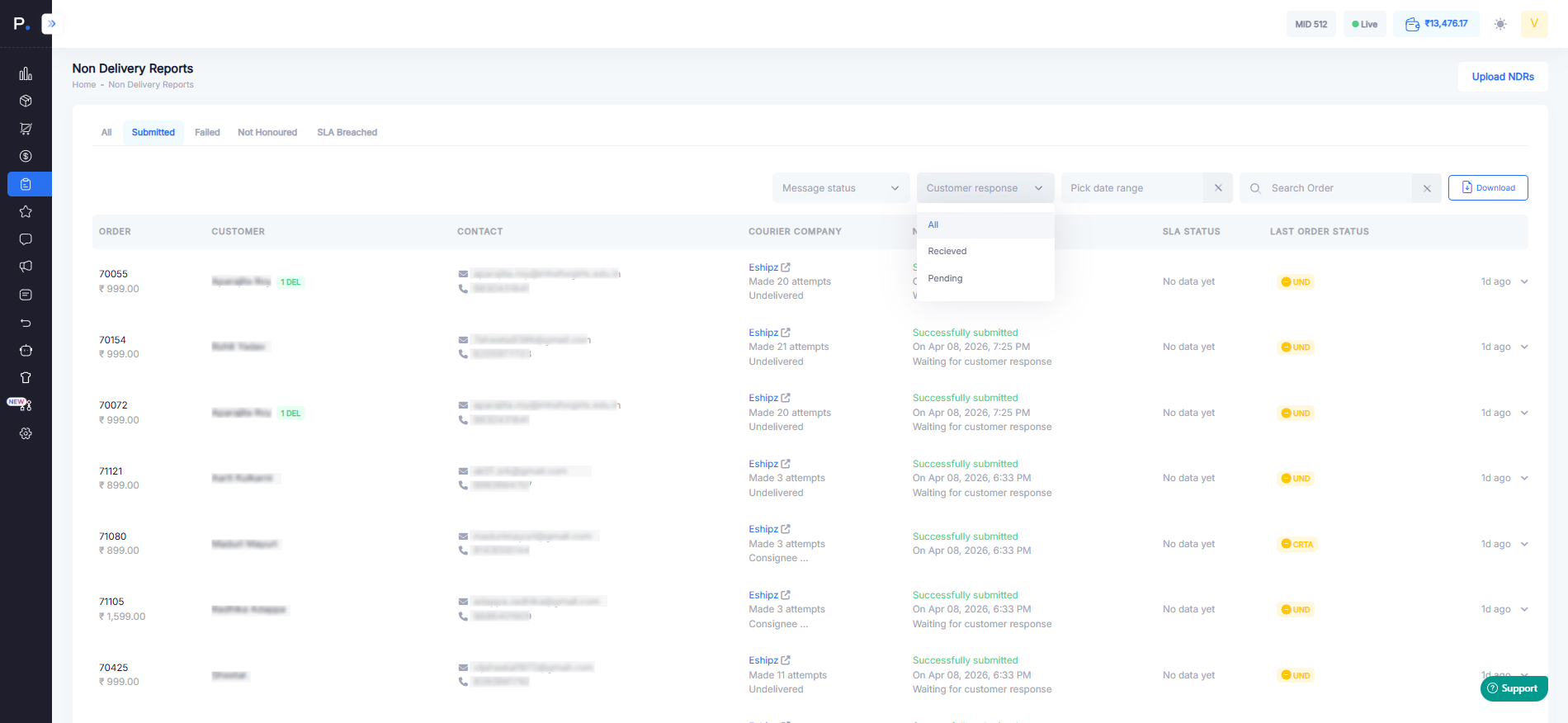
3. Date Range 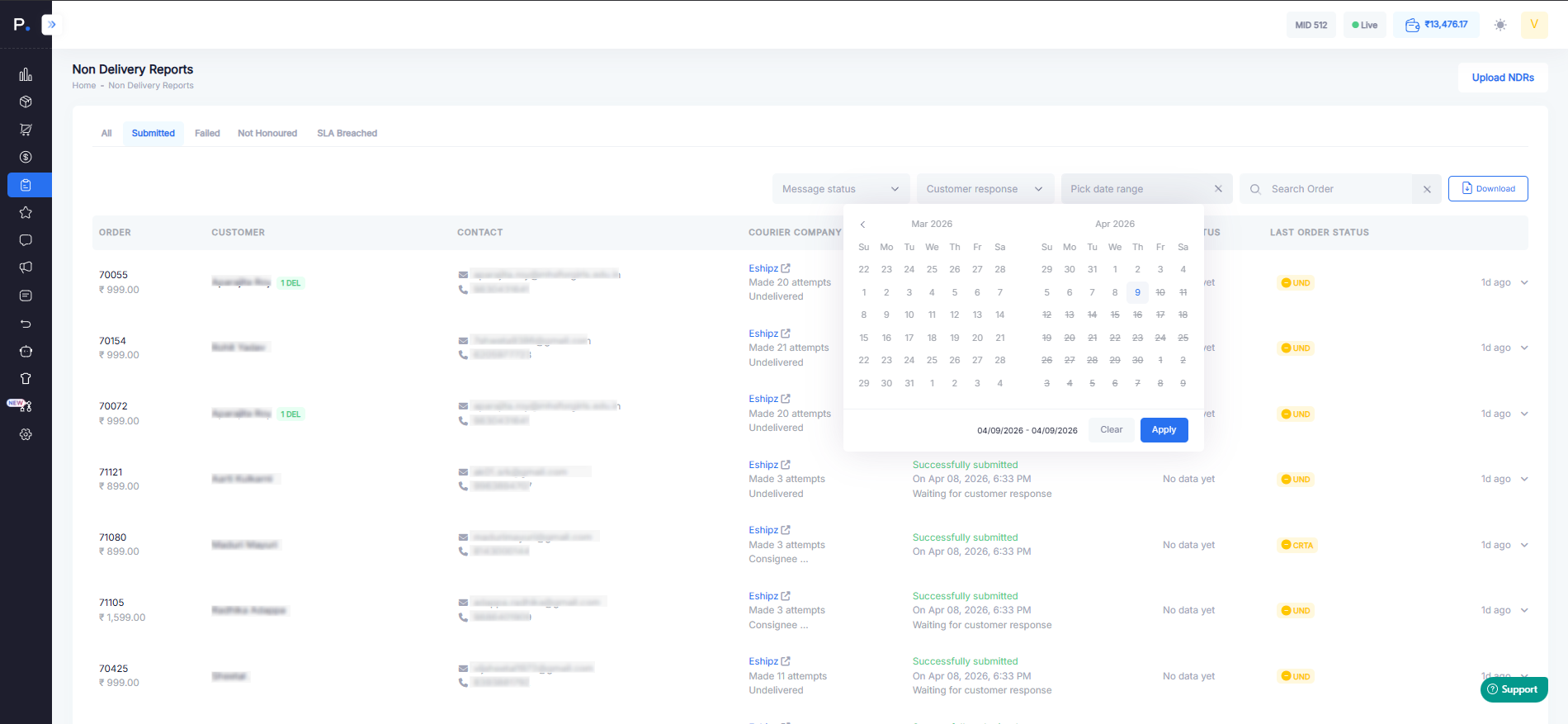
By navigating toward download button you can get report for further analysis.
Was this article helpful?
That’s Great!
Thank you for your feedback
Sorry! We couldn't be helpful
Thank you for your feedback
Feedback sent
We appreciate your effort and will try to fix the article